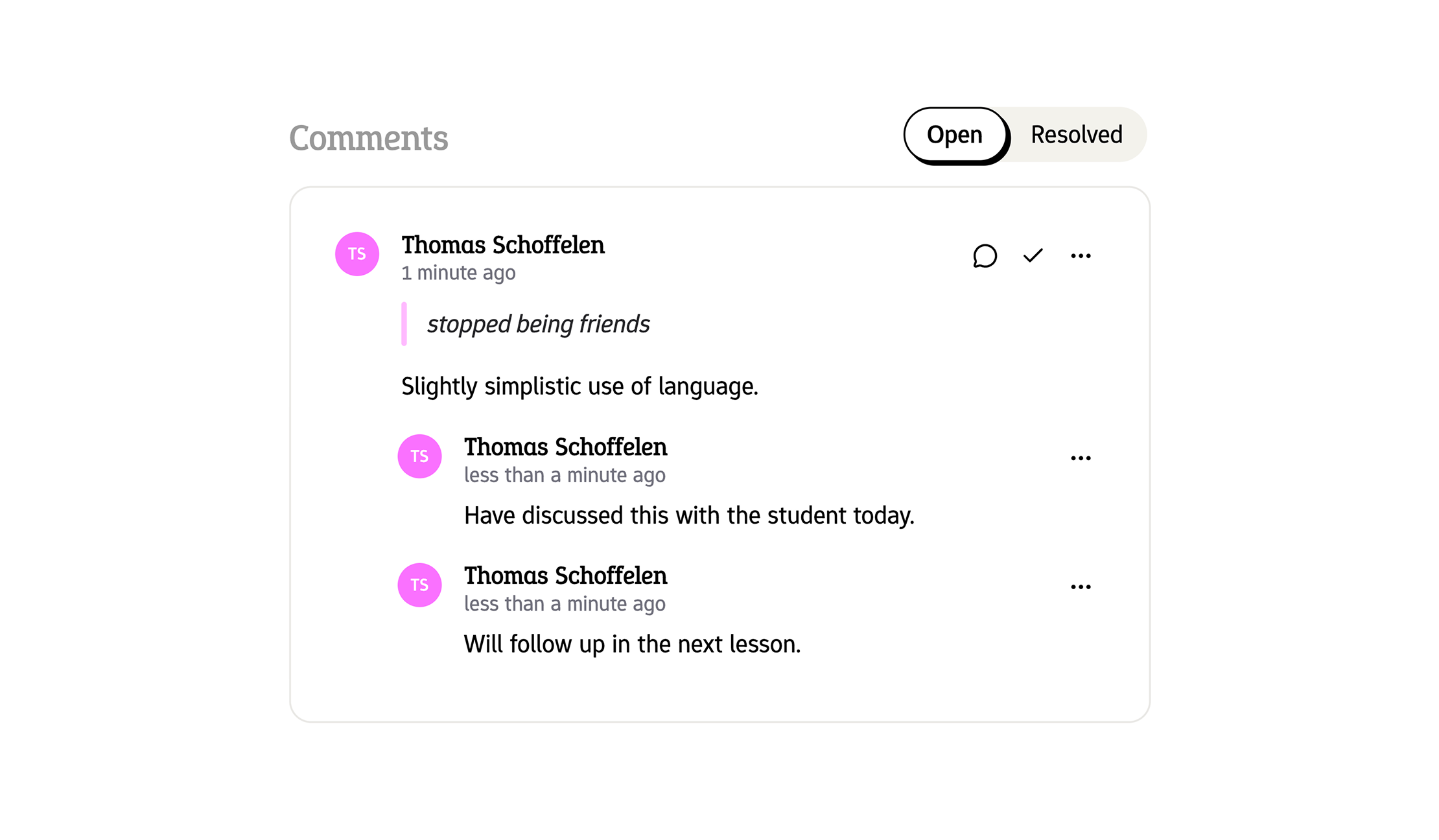
One grading flow we heard teachers ask for was the ability to leave comments and highlight specific parts of a student's answer when grading.
This is especially useful for long essays, or grading exams with your team, where lots of discussion takes place around how to grade a specific answer.
You can now leave comments by selecting any part of a student's answer, and clicking the comment button. This will open a comment box where you can leave your feedback.
You can also see all comments left by you and your colleagues in the grading sidebar, with the ability to reply and mark comments as resolved.
Also in this release:
- We've also introduced comments in the test editor description field. Simply select some text to leave a private note only visible to you and your colleagues. This is perfect for leaving reminders or notes about specific instructions or information in the test description.