
The documents you upload to generate questions from pile up fast in your source material library. You can now add your own labels to each of them.
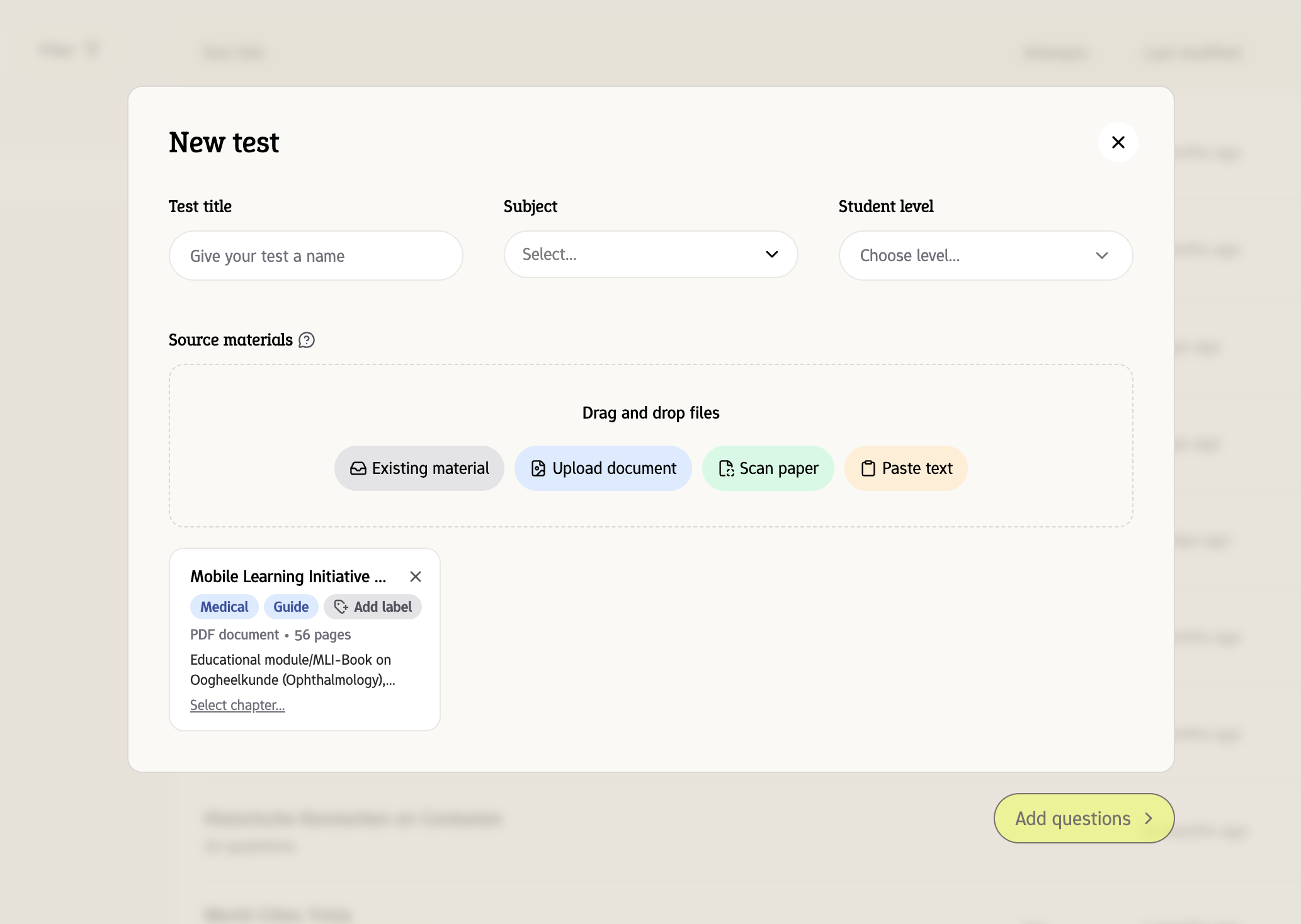
Click Add label on a source material, or the tag button in the Select a source material window, and type to create a new label or pick one you've used before. Labels show up as small badges on each material, so you can see at a glance what's what.