
You can now select how your test should be graded. Use any of the pre-defined grading schemes, or build a custom one.
Every new feature, improvement, and fix we ship, in chronological order.
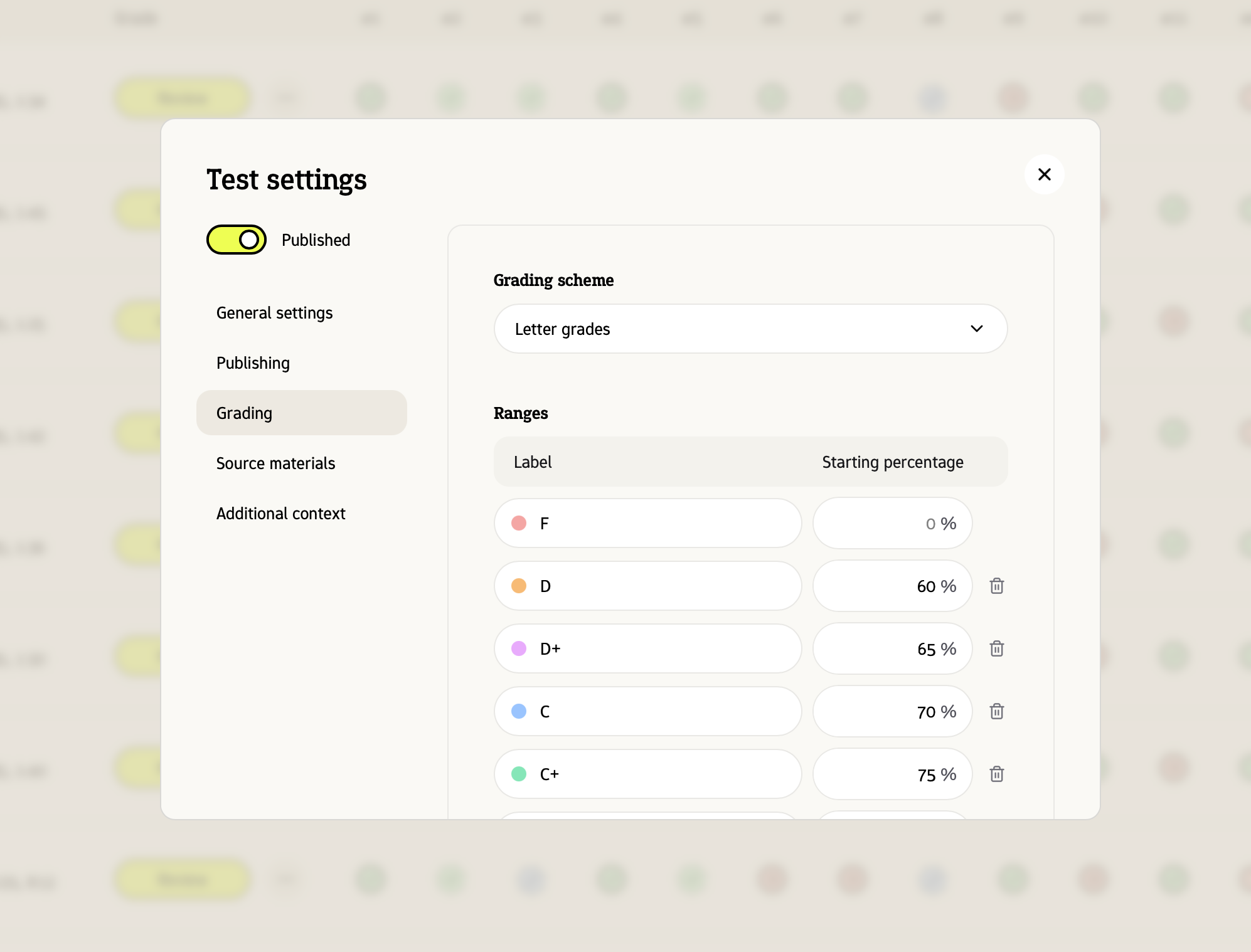
You can now select how your test should be graded. Use any of the pre-defined grading schemes, or build a custom one.
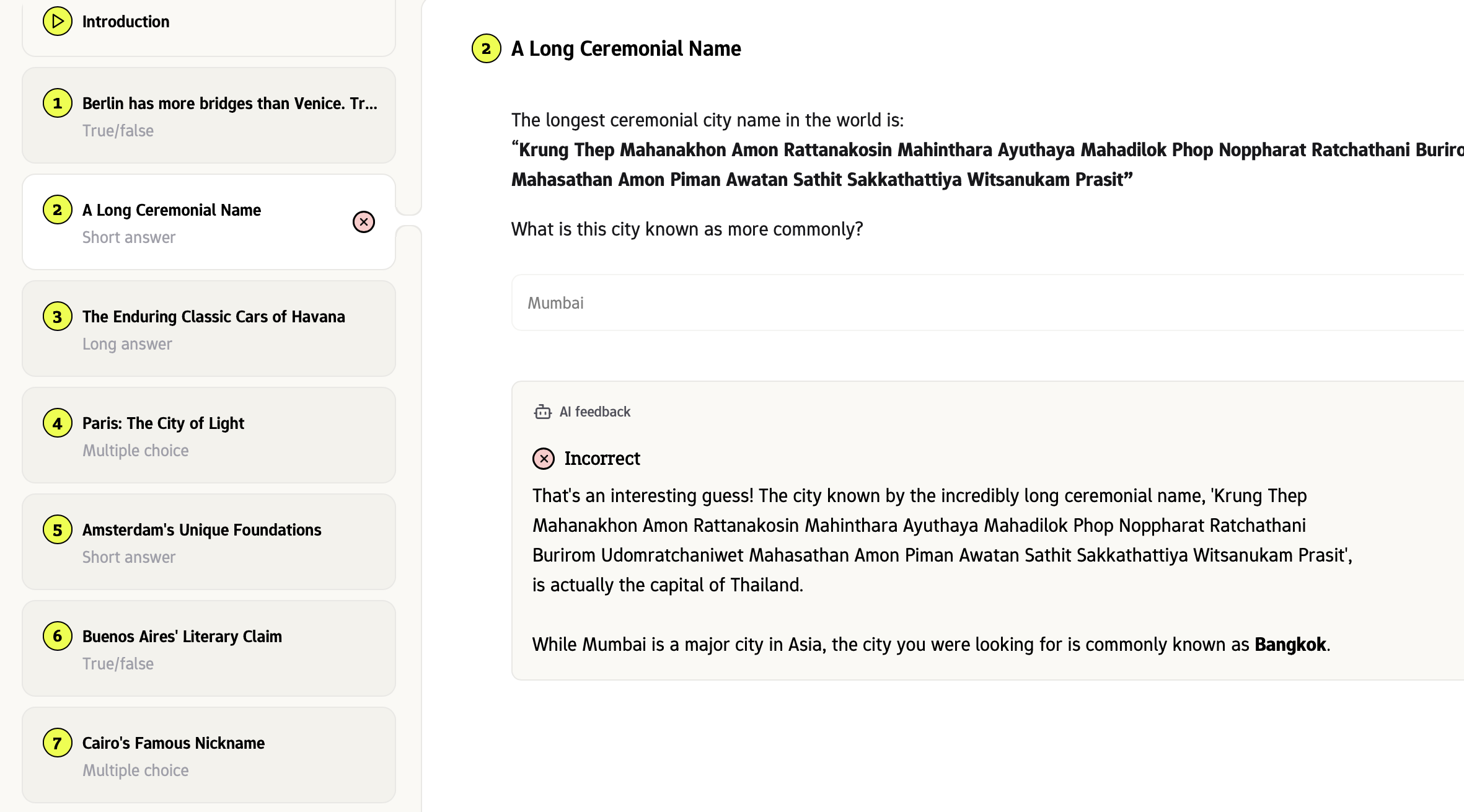
You can toggle ‘direct feedback’ for any (practice) test, so that Examplary gives immediate feedback to a student’s answer based on the learning materials.
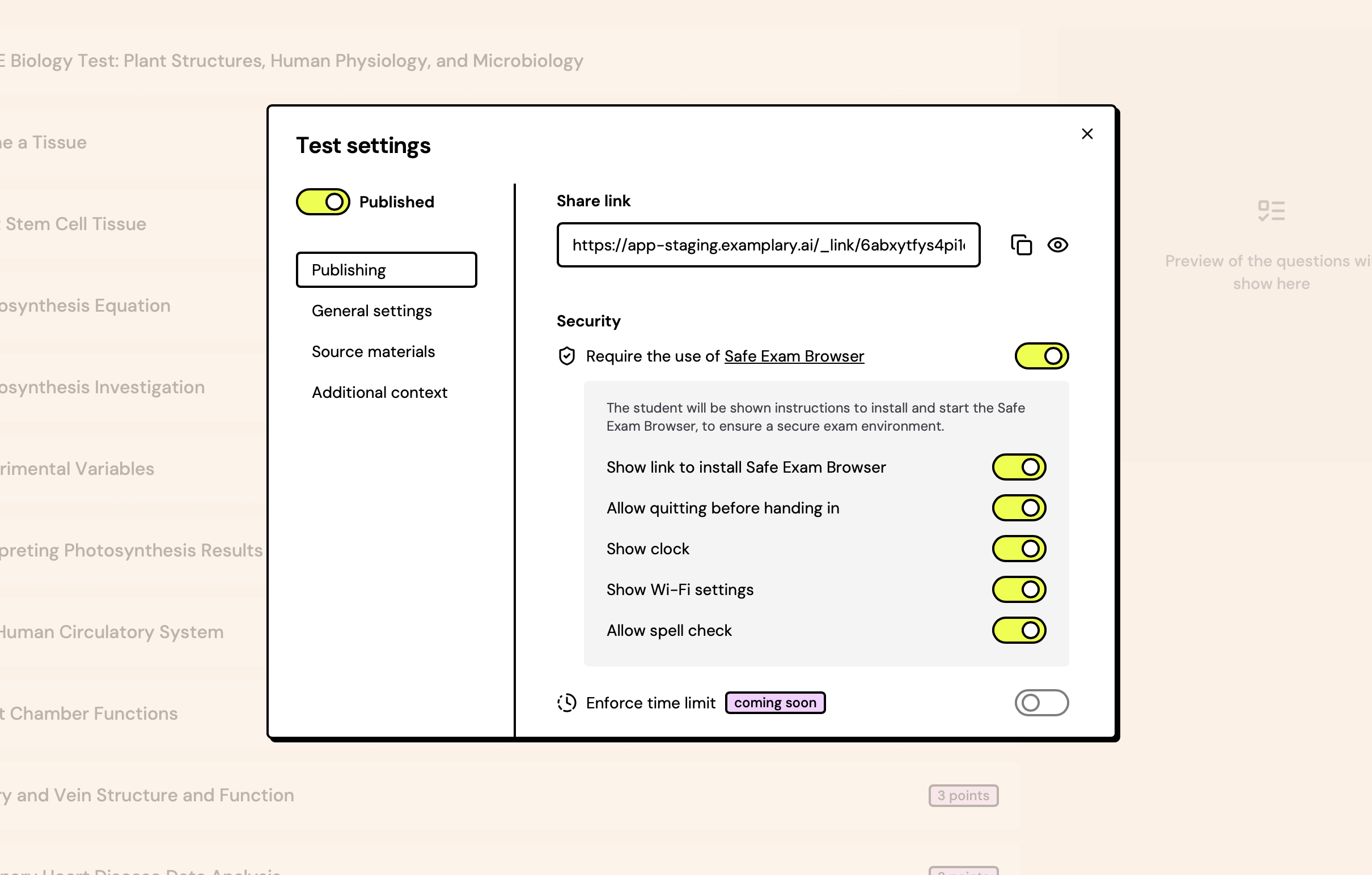
Safe Exam Browser is a web browser environment to carry out e-assessments safely. The software turns any computer temporarily into a secure workstation.
For any Examplary test, you can require the use of Safe Exam Browser and set limitations on what a student can do whilst they’re taking the test.
You can still send the link to the student as per usual – they’ll be shown a message with instructions to download Safe Exam Browser if they open the link in a normal browser.
Examplary now supports LTI resource selection. That means teachers using a learning management system that speaks LTI can pick an Examplary test directly from within their LMS and embed it into their course.
We've added a dedicated Developers page to your account settings. Here you'll find your workspace API key, links to our developer documentation, and a separate page to enable or disable question types in your workspace.
This is the starting point for building custom integrations and question types on top of Examplary.
Moving from Moodle? You can now import a Moodle quiz XML file directly into Examplary. Questions, answers, and metadata come across in one go, so you don't have to rebuild your question bank from scratch.
From there, you can edit, reuse, and combine the imported questions with anything else in Examplary.
You can now group your tests into folders. Create a folder per class, per term, or per subject - whatever keeps your workspace tidy.
Move any test between folders with the "Move to folder" option in its menu.
Sometimes paper is still the right tool. You can now export any test as a PDF, ready to print, in either A4 or Letter size.
Use the print preview to check the layout before you export.