Examplary uses a role-based and permission-based access control system to manage what users can do within an organization.
User roles
A user can have one of the following roles within an organization:
- Owner: Creator of the organization, who can manage all aspects of the organization, including removing the organization itself.
- Admin: Can manage users, roles, billing, and permissions within the organization, but can't remove the organization or change their own role.
- Teacher: Can create and manage content (tests, questions, etc.) but cannot manage users or billing.
- Student: Can take tests and view their own results but cannot create or manage content.
Content permissions
Almost every content item (test, question bank item, folder, etc.) has its own set of permissions that determine who can view or edit it.
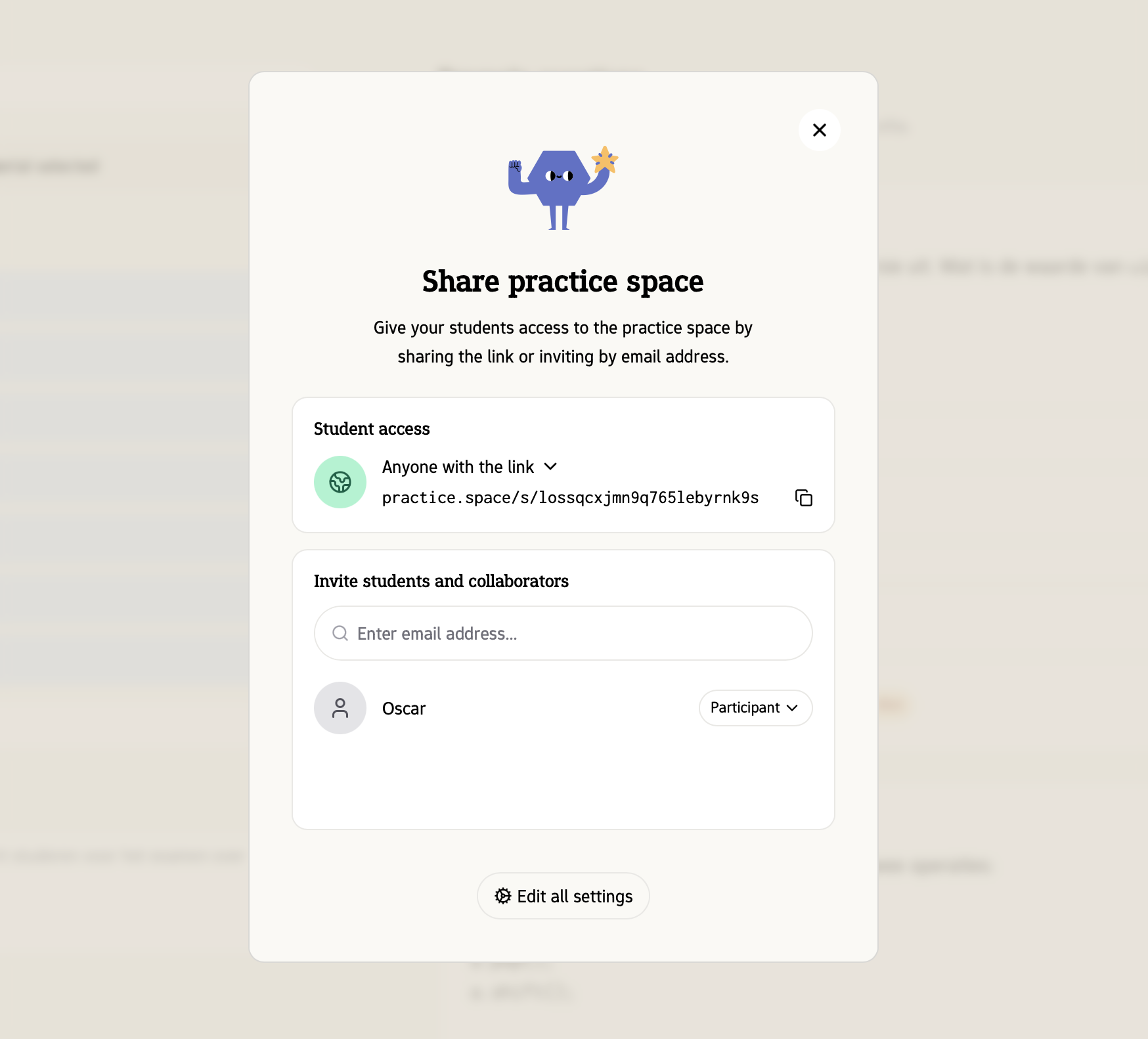
Permissions can be granted to individual users or to groups of users.
The following permissions are available:
- Owner: Full control over the content item, including managing permissions and removing the item.
- Manager: Can edit the content item and manage permissions but cannot remove the item.
- Editor: Can edit the content item but cannot manage permissions or remove the item.
- Viewer: Can view the content item but cannot edit it or manage permissions.
- Participant: Can participate in the content item (e.g., take a test) but cannot view or edit it.
When a user and a group both have permissions on the same content item, the highest permission level applies. For example, if a user has Viewer permission individually but is part of a group with Editor permission, the user will have Editor permission on that content item.
Students effectively can only have Participant permissions on tests and related content items.